

Have you ever experienced your GPS map freezing, stuttering, or lagging terribly right when you need turn-by-turn directions the most?
Running Google Maps or Waze through wireless Apple CarPlay or Android Auto can sometimes cause major performance lags. This usually happens due to heavy background data usage, cache overload, or unstable wireless interference between your phone and your car’s infotainment system.
Here is how to fix Google Maps and Waze lagging issues on your next drive.
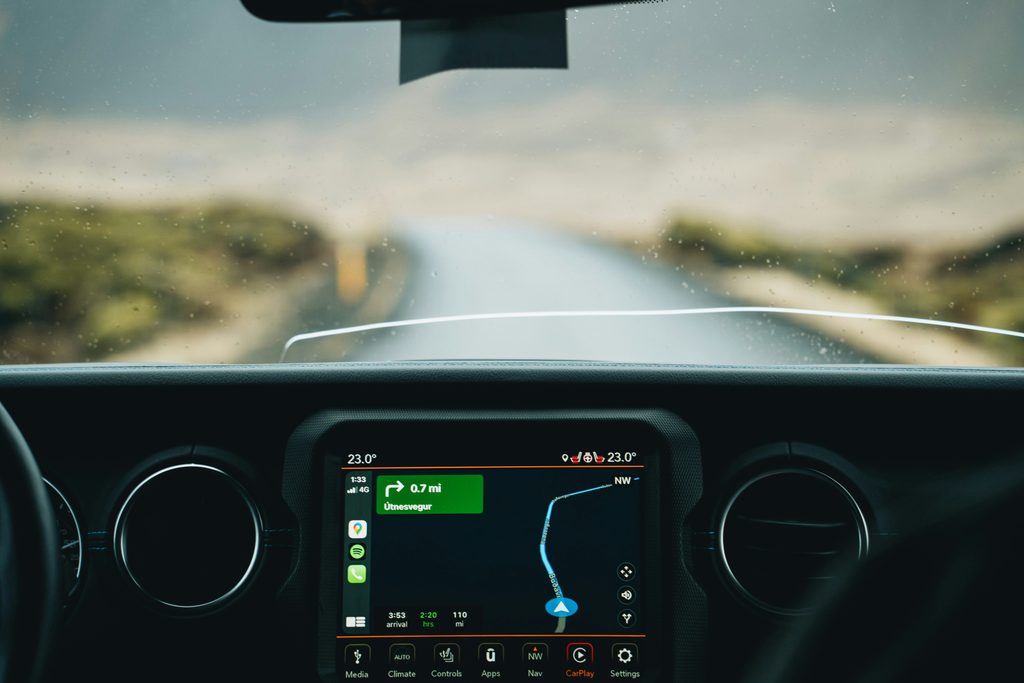
1. Clear App Cache and Temporary Data
Over time, cached map data can get corrupted or overloaded, causing the navigation app to stutter and lag during active routing sessions.
- The Fix: Go to your phone’s settings, find Google Maps or Waze under your applications manager, and clear the temporary cache. Do not clear all data unless necessary, just the cache.
2. Switch from Wireless to a Wired USB Cable
Wireless CarPlay and Android Auto rely heavily on Wi-Fi and Bluetooth frequencies. In heavy traffic areas with high signal interference, this causes severe input lag on map apps.
- The Fix: Plug your phone directly into the car’s USB port using a high-quality data cable. A wired connection offers faster data transfer speeds, instantly smoothing out map animations and cursor movement.
3. Disable Battery Saver Mode on Your Phone
When your smartphone battery saver or low-power mode is enabled, it throttles your CPU and limits background data refresh rates to save power, which directly starves GPS navigation apps of processing power.
- The Fix: Turn off battery saver mode before connecting to your car, or ensure that Google Maps and Waze are excluded from your phone’s battery optimization restrictions.
Summary
Lagging navigation apps in CarPlay or Android Auto can easily be resolved by clearing app caches, switching to a reliable wired USB connection, and disabling restrictive battery-saving modes.
Do your maps lag or freeze during trips? Share what works for you in the comments below!