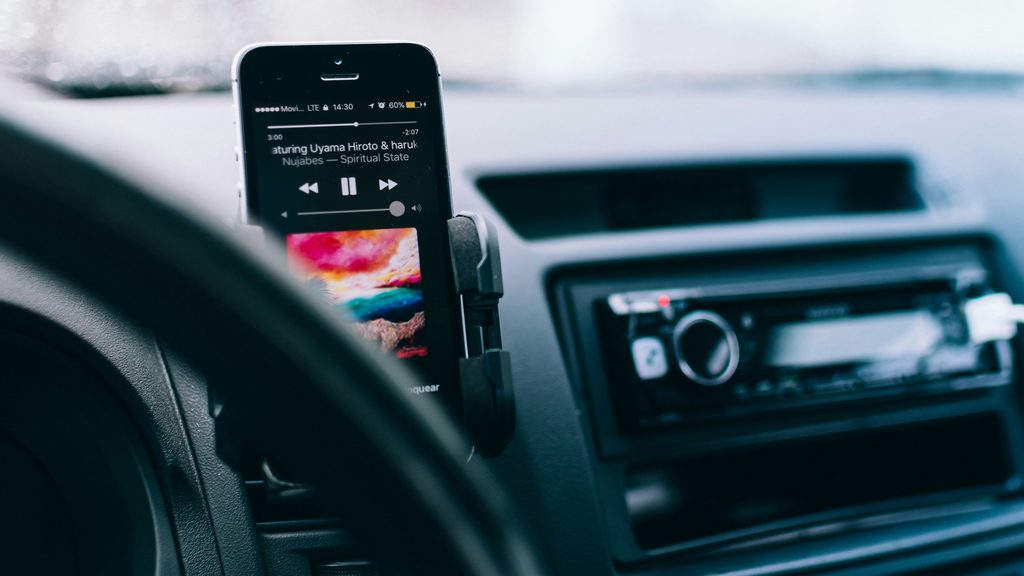

Wireless adapters (like Carlinkit, Ottocast, or Motorola MA1) are amazing gadgets. They let you enjoy wireless Apple CarPlay or Android Auto without having to plug your phone into a cable every time you get in the car. However, when these dongles start lagging, disconnecting, or failing to pair, they can become a headache.
If your wireless adapter is acting up, here are the most effective steps to troubleshoot and stabilize your connection.
1. Update the Adapter’s Firmware
Just like smartphones, wireless adapters run on internal software (firmware) that can contain bugs. Manufacturers frequently release updates to fix compatibility issues with newer iOS and Android versions.
The Fix: Check the user manual of your specific adapter to find out how to access its internal settings menu via Wi-Fi or by plugging it into a computer. Download and install any available firmware updates.
2. Check the USB Power Supply to the Adapter
Wireless adapters require a steady and sufficient electrical current to power their internal Wi-Fi and Bluetooth chips. If the car’s USB port doesn’t supply enough power, the adapter will randomly reboot while you are driving.
The Fix: If your adapter is plugged into a weak USB port (like an old low-amp port or a cigarette lighter adapter splitter), try plugging it directly into the car’s primary data USB port. If necessary, use a y-splitter cable to draw power from two ports.
3. Clear Stale Bluetooth and Wi-Fi Cache on Your Phone
Interference between old saved network profiles and the adapter can prevent stable handshakes from happening automatically when you start your car.
The Fix: Go to your phone’s Wi-Fi and Bluetooth settings, delete the adapter’s connection profile entirely, restart your phone, and pair the device from scratch.
Summary
Wireless adapter dropouts are usually solved by updating the device firmware, ensuring a stable power supply from your car’s USB port, or resetting the pairing profiles.
Did a firmware update fix your wireless adapter issues? Let us know your adapter brand in the comments below!